The issue tracker that lives in your repo, and runs your coding agents.
LoTaR keeps tasks as plain YAML files in .tasks/, versioned and reviewed with
your code. A CLI, a local web UI, a REST API and an MCP server all work on the same files.
Assign a task to an agent and LoTaR runs it in its own git worktree, streams the log, and
hands the work back for review.
One YAML file per task, next to your code. Branch it, diff it, and review a task change
in the same pull request as the fix.
Nothing to host
No database and no account. It works offline, and every change has an author and a
commit in git history.
Built for agents
Coding agents read and update tasks through MCP, and LoTaR can run Claude Code, Codex,
Copilot CLI, Gemini CLI and six more agent CLIs on a task for you.
Everything works on the same files
Agents and automation
Set up an agent profile once, then assign tasks to it like a teammate. Each job runs the
agent CLI in a dedicated worktree on its own branch, with the output streamed live.
Choose the model and effort per profile or per run, see each job's tokens and cost, and
let the agent update its own task through LoTaR's MCP server. Automation rules decide
what happens when a job starts, finishes or fails.

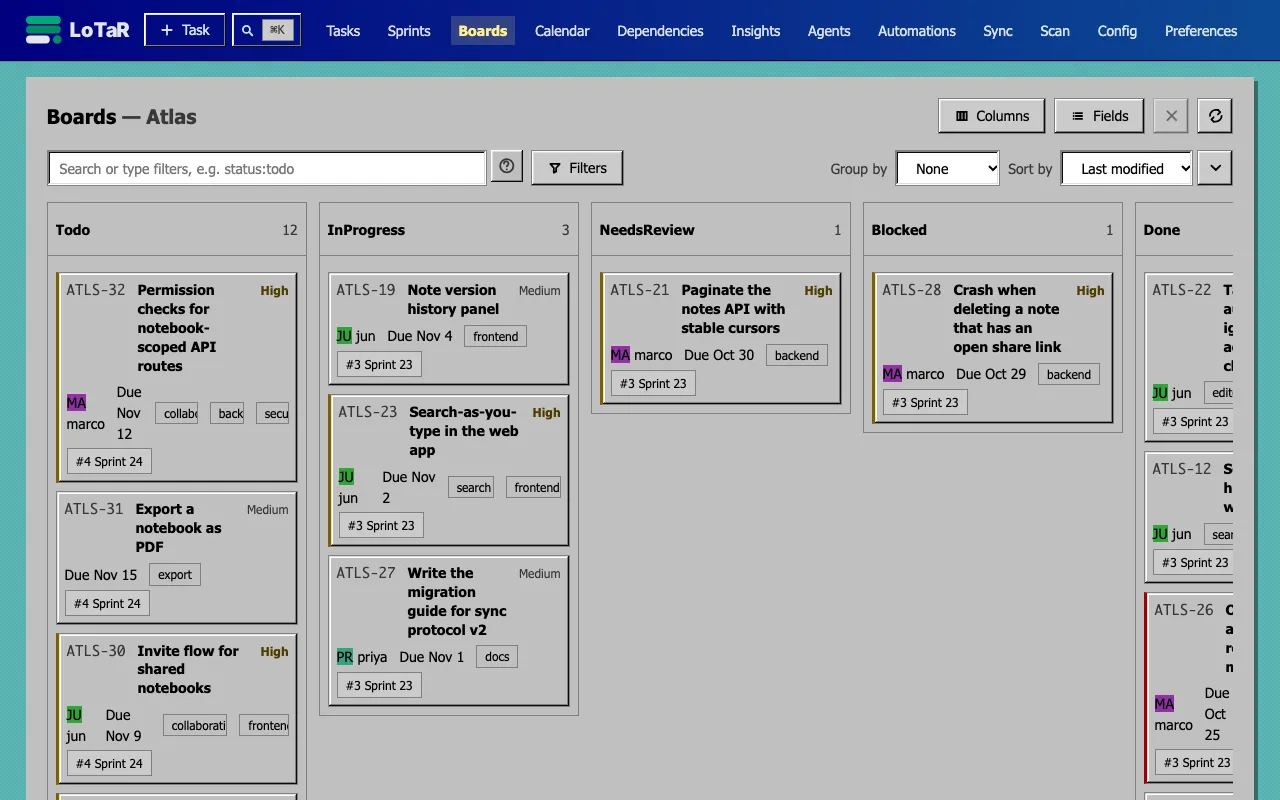
lotar serve opens a task list, a board with WIP limits, sprints with
burndown and velocity, a calendar, a dependency graph, and insights for every role on
the team. Paste screenshots onto a task, jump anywhere with the command palette, and see
changes from the CLI or an agent live.
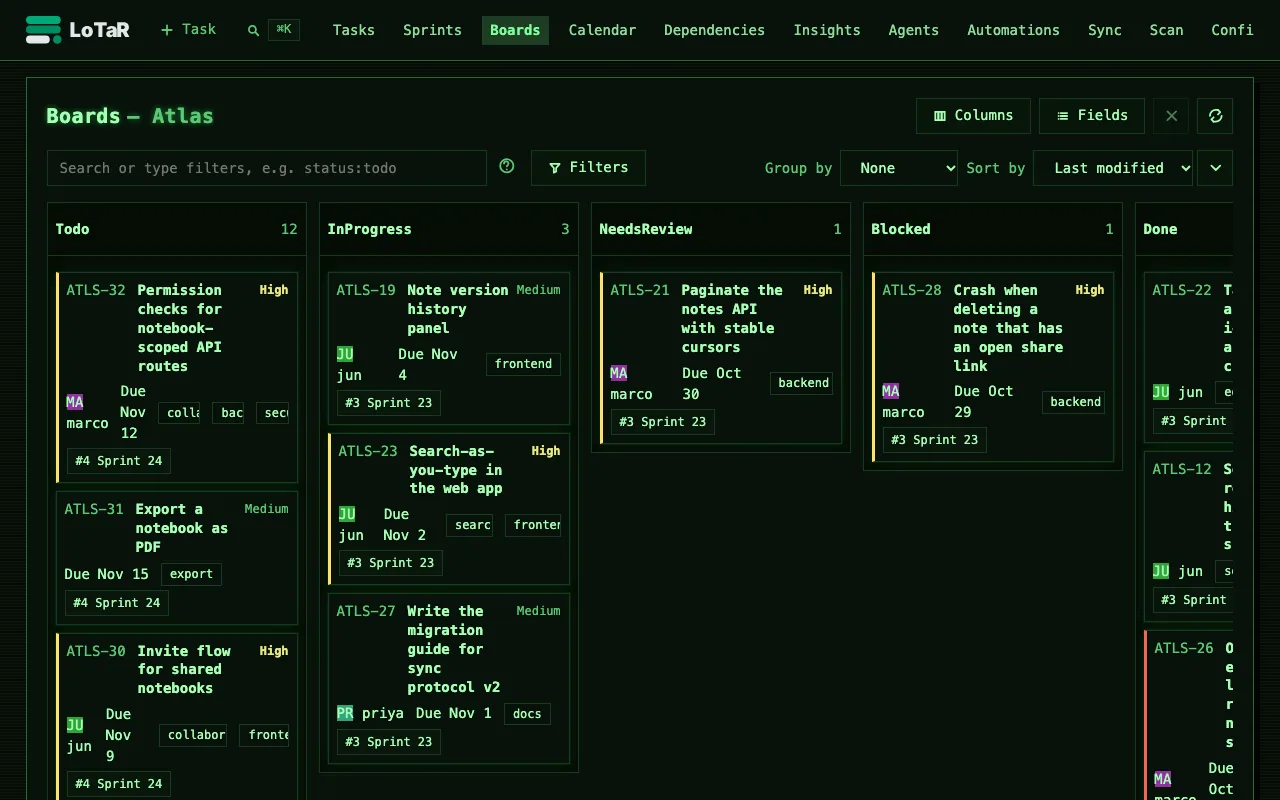
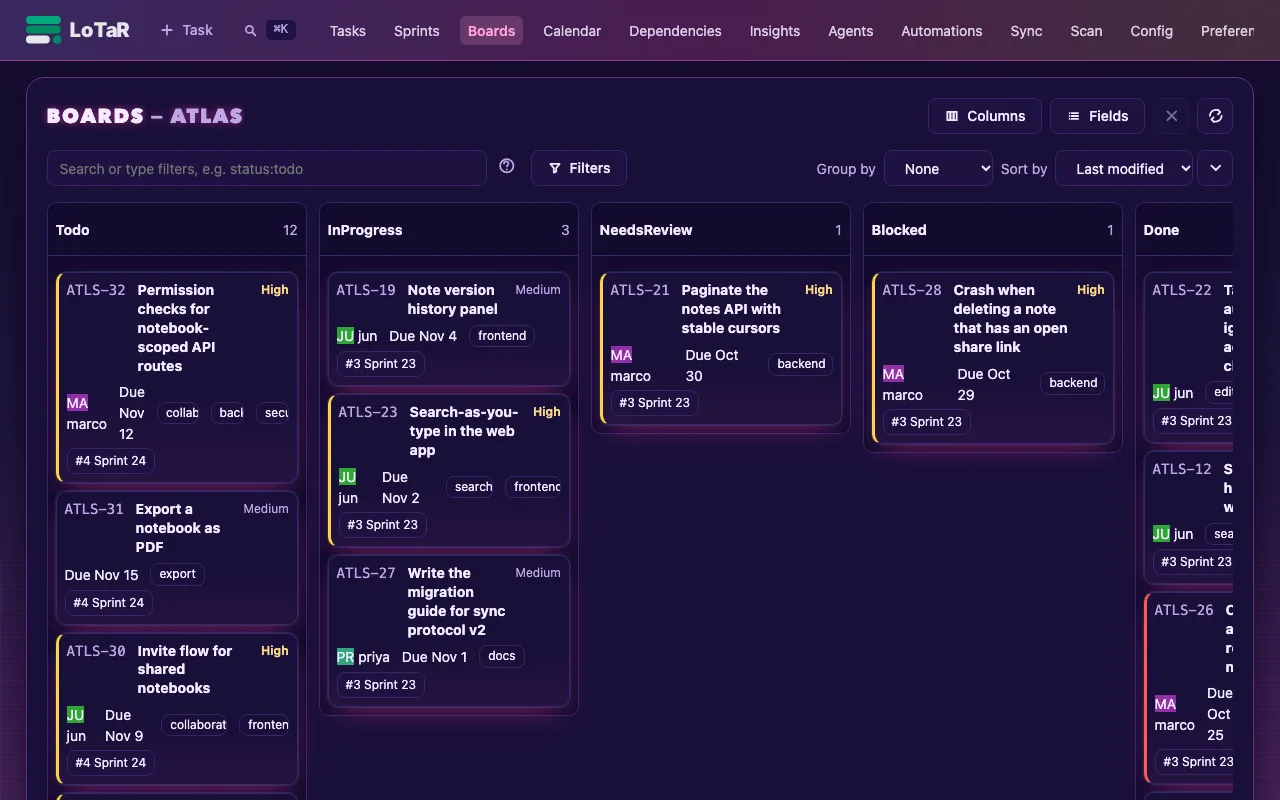
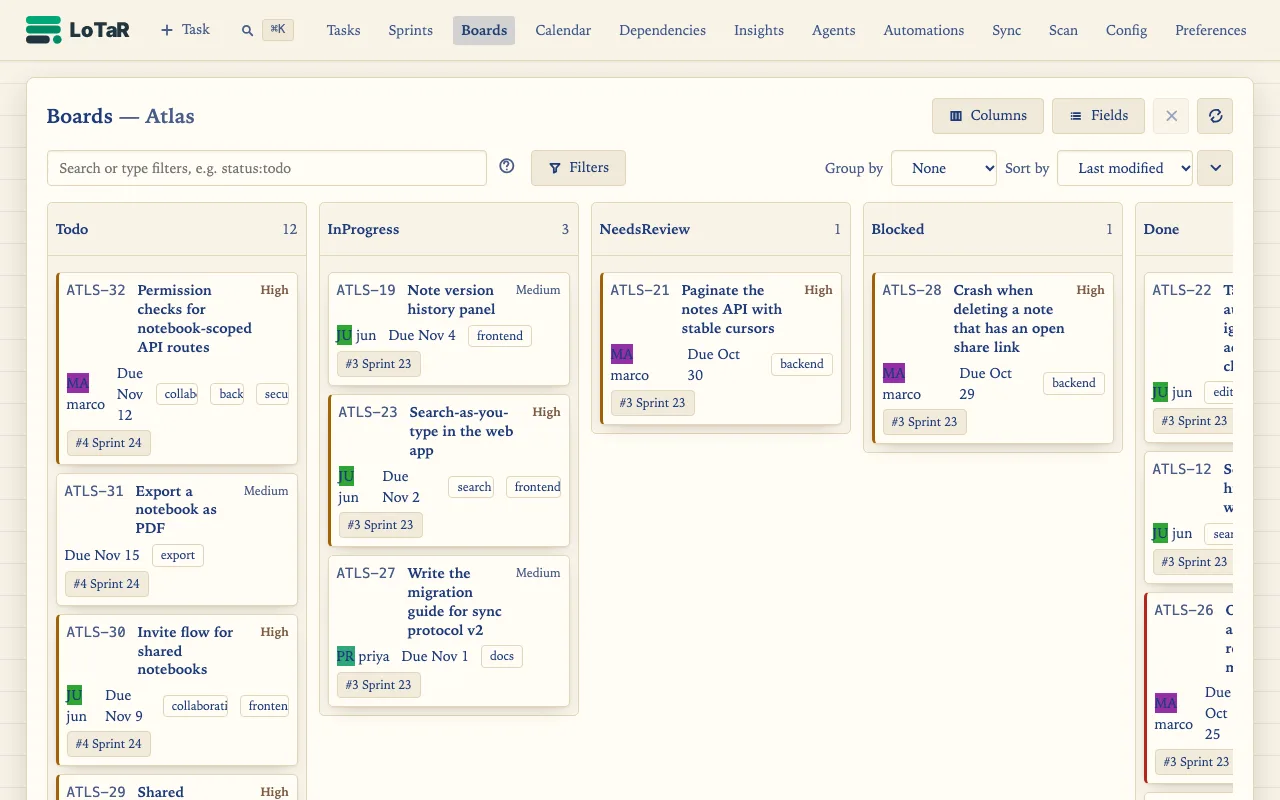
Pick Classic, High contrast, or a playful skin such as Terminal, Matrix, Synthwave,
Blueprint, Paper, Retro or Candy, each in light and dark and most with several colour
palettes. Everyone chooses their own theme; a repository can set the default, its name,
logo and icon, and even ship its own skin.
lotar scan turns TODO and FIXME comments into
tasks, writes the task ID back into the comment, and follows the line when code moves.
Git history and stats
Every task change is a commit. See the commits that touched a task, and report churn,
activity and authors straight from git.
Your own workflow
Define states, types, priorities and custom fields per project, or start from the
default, agile or kanban template.
Jira and GitHub sync beta
Pull issues into local tasks or push changes back, with field mappings per remote.
Credentials stay out of the repository.
REST API
The same operations over HTTP, described by an
OpenAPI spec, with live updates over server-sent events.
A task is a file you can read
Tasks live in one folder per project. Status changes, comments and references are part of
the file, so a pull request shows exactly what changed about the work, not just the code.